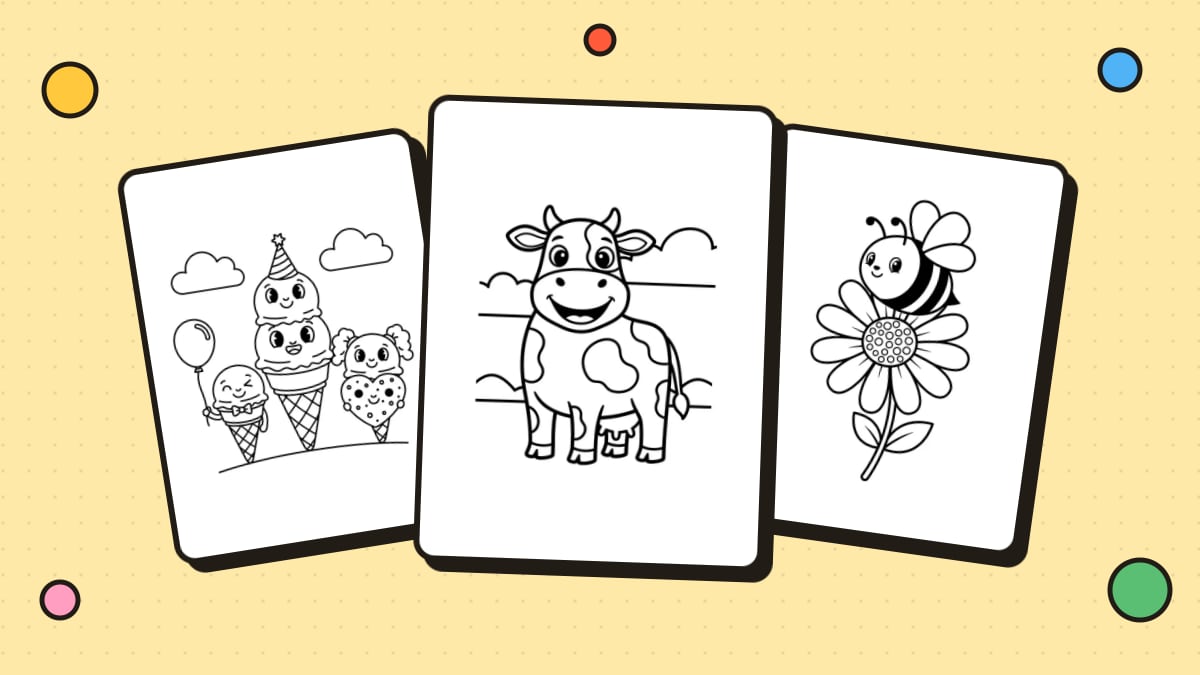
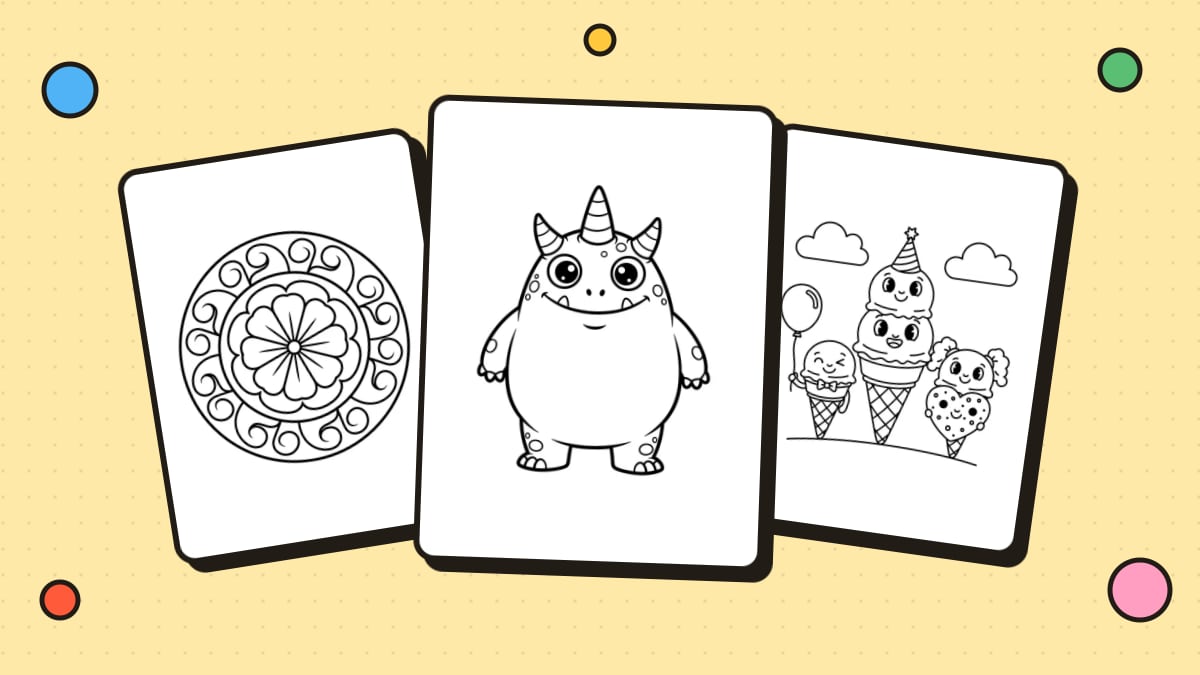
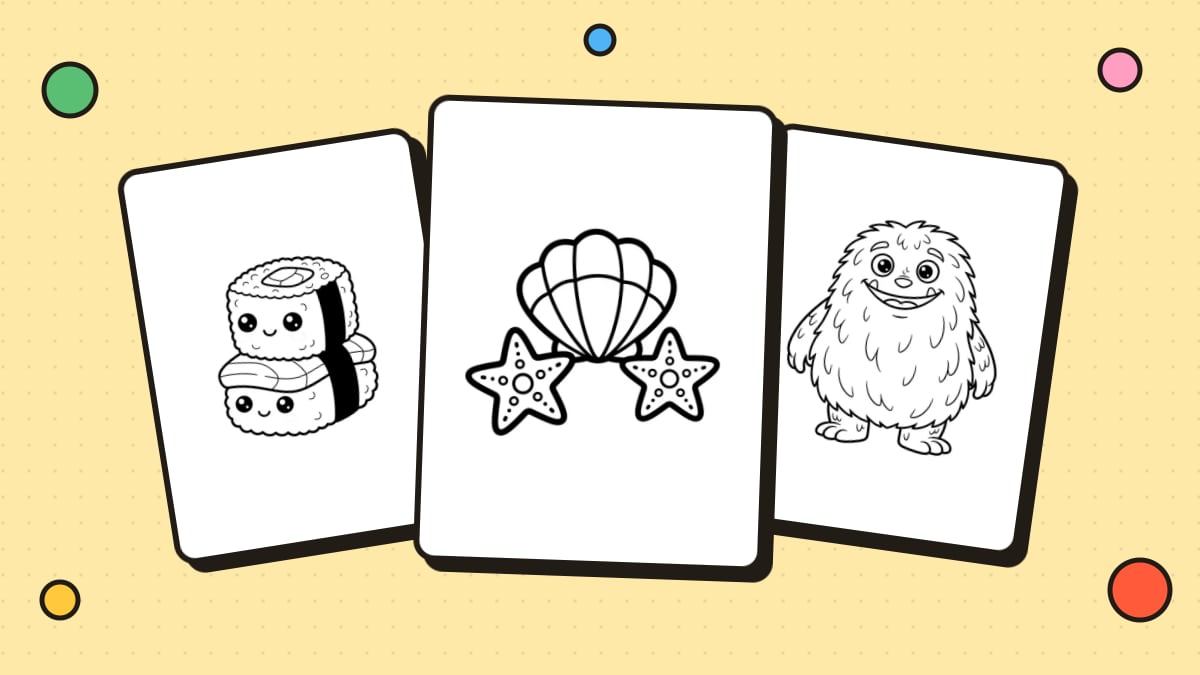
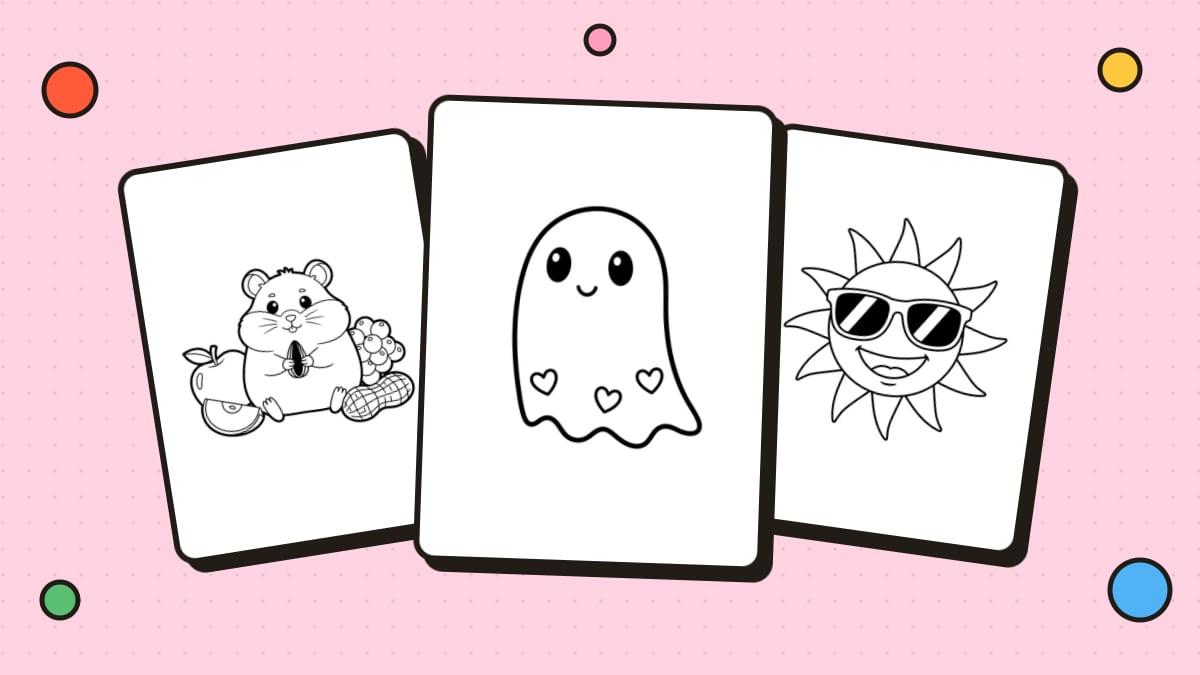
A coloring book PDF is a coloring book saved as a single file. You open it on any device, print the pages you want and color them on paper. People search for one for three different reasons: they want a free book to print tonight, they want to make a personal one for a child, or they want to put together a book to give away or sell.
This guide covers all three, and explains page size, file settings and printing so the result looks like a book and not a pile of pages.
1. Download free pages and combine them
Many sites offer single coloring pages as downloads. Our free coloring pages gallery is organized by theme, and each page downloads as a PDF or PNG. If you want a book on one theme, say dinosaurs, download the pages you like and combine them into one file.
To combine PDFs:
- Mac: open a PDF in Preview, show the thumbnails, and drag other PDF files into the sidebar. Save the result as a new file.
- Windows or any computer: use a PDF merge tool, either a desktop app or an online one. If the pages contain photos of children, prefer a tool that works offline.
Free pages are best for a quick weekend book, a classroom packet or a rainy day. For tips on settings, see how to print coloring pages.
If you want a book that is personal, the other route is to turn your own photos into pages. With our Custom Coloring Book tool:
- Upload your photos: kids, pets, grandparents, a trip.
- Pick a style. Simple has thicker lines for small children, and Detailed suits older kids and adults. Every page in the book uses the same style.
- Review the pages. Reorder them, remove the ones you do not like and redo any single page.
- Add a cover with a title such as "Emma's Summer Adventures."
- Download one print-ready PDF with the cover and every page.
A photo book holds up to 20 photo pages and costs 40 credits for the whole book. You can also mix in pages from the free gallery, up to 30 pages in total. As an example, at the smallest credit pack on our pricing page (150 credits for $4.99 when this was written), 40 credits works out to about $1.33. Check the current packs on the pricing page before you plan a budget.
3. Make a story book
A story book has a plot, and your child is the hero. You describe who the hero is, what they look like and what happens. The tool writes a short story and draws one coloring page per scene. It costs 2 credits a page, so 6 pages is 12 credits, 8 pages is 16 and 12 pages is 24. The story text is set in a round, bold font that is easy for children to read, and you download one PDF with the cover.
Page size: Letter or A4
The most common sizes are US Letter (8.5 x 11 inches) and A4 (about 8.27 x 11.69 inches). Pick the one your printer uses. The page sizes are close, but a Letter file printed on A4 paper, or the other way around, gets scaled or cropped slightly.
Our photo and AI-page tools make Letter PDFs. The name page and mandala tools also offer A4. If you need A4 for a book from photos, print with "fit to page" so nothing is cut off, and check one page before printing the whole book.
Common settings that help:
- Keep important parts away from the edge. Most home printers cannot print to the very edge of the sheet, so a margin of about a quarter inch is typical.
- 300 dpi is the usual standard for print-quality images. If you build a book from images of your own, use files that are at least that sharp for the size you print.
- Portrait is standard for most coloring books. Landscape suits wide scenes and story books with text below the picture.
- Print single-sided. Anything colored with markers or gel pens can show through to the other side. If you print double-sided, use thicker paper.
- Choose heavier paper for markers. See the best paper for markers. Regular paper is fine for crayons and pencils.
- Print a test page first. Check the margins and the line darkness before you print all 20 pages.
- Use "actual size" in the print dialog unless you are shrinking the pages on purpose.
You do not need a bindery. Choose one of these:
- Staples or a stapler with a long reach, for a thin book of up to a few dozen sheets.
- A binder with rings, which lets a child add or remove pages.
- Ribbon or string through punched holes, which suits a gift.
- A copy shop with spiral or comb binding, and a cardstock cover, for a book that will be used a lot.
Our guide on how to make a coloring book has more on paper and binding choices, and it covers book design for gifts.
You can give a PDF to family or a class as long as the pages are yours. For anything you sell, read the terms first. Images from a tool may be free for personal use and paid for commercial use, and each service says something different. Our Terms of Service cover commercial use for our own tools, so read that section before you sell a book made with them. If you plan to sell, see how to sell coloring pages for the practical side.
A word on privacy for photo books. A book from photos of children is personal, so keep the PDF where you control who sees it before you share it.
| You want | Use |
|---|
| A free book tonight | Download gallery pages and merge them |
| A gift with your own family in it | Photo book |
| A story starring a child | Story book |
| A themed book for a classroom | Gallery pages on one theme, with a name page for each student |
Collect or create your pages, put them in order, add a cover and save everything as one PDF. With a tool, you upload photos or describe a story and download the finished file.
Free coloring page galleries let you download single pages as PDF. You can combine several pages into one file on your computer.
US Letter (8.5 x 11 inches) or A4, depending on your printer. Portrait is the most common orientation.
Upload the photos to a coloring book maker, pick a line style, arrange the pages, add a cover and download the PDF.
You can, but marker and gel pen ink can show through. Print single-sided or use heavier paper.