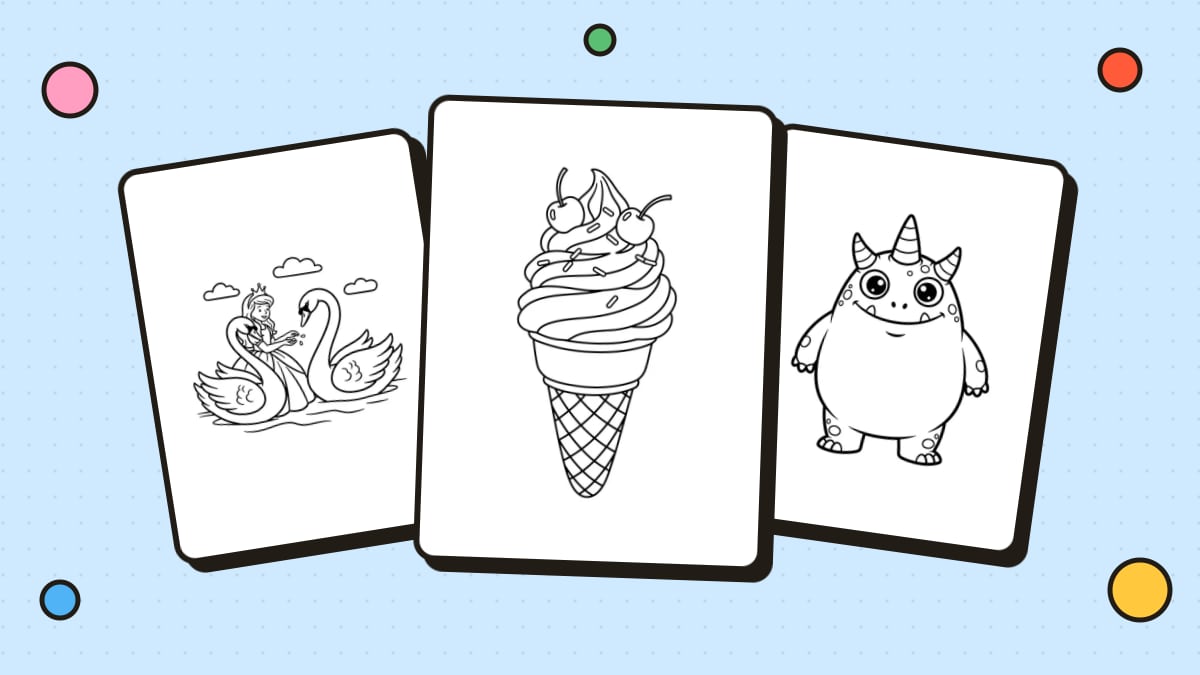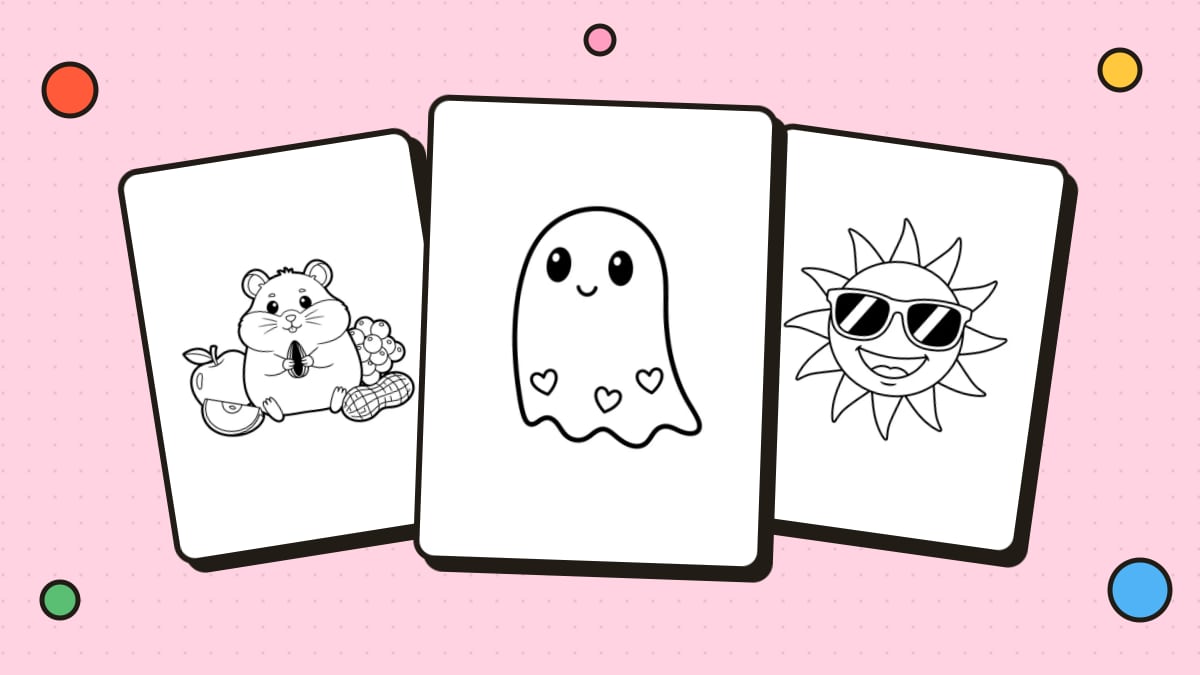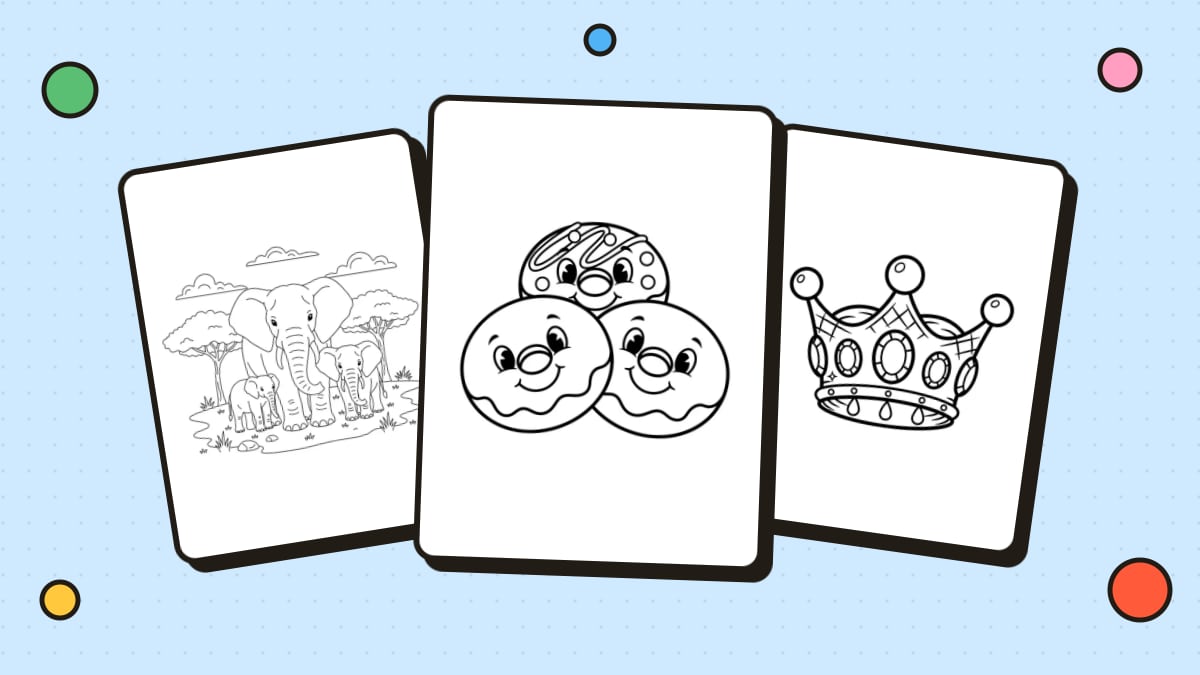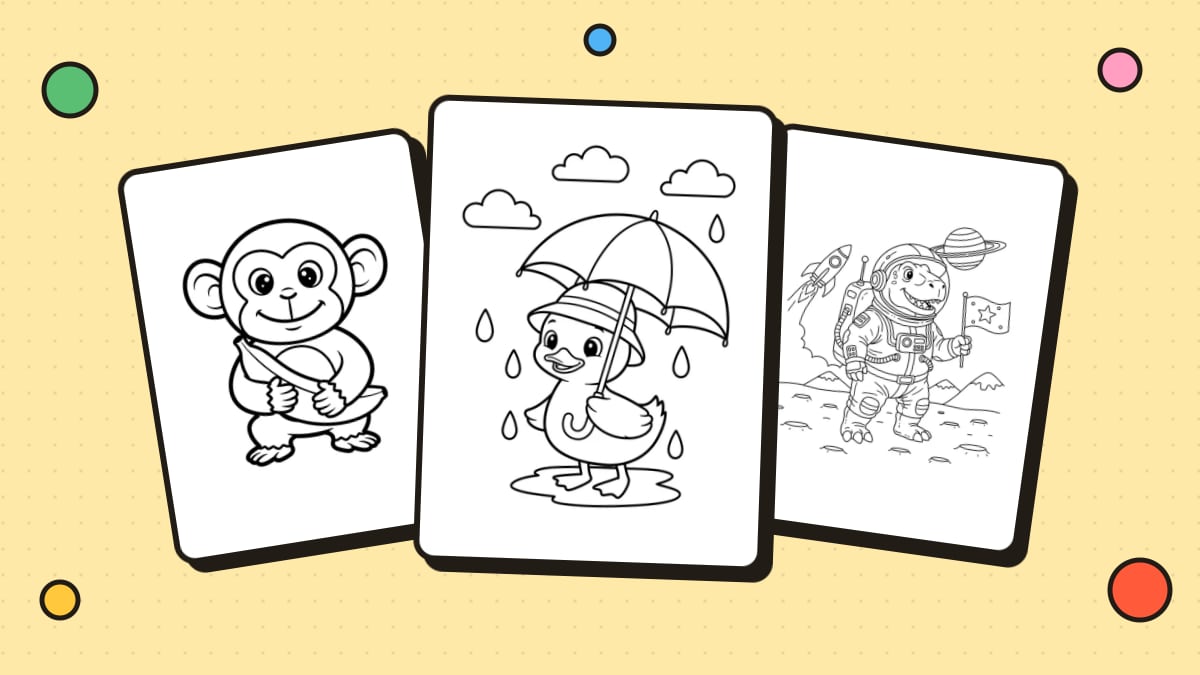
A homemade coloring book makes a wonderful gift, a perfect road-trip activity, or a fun project to do with kids. And it's easier than you think. You don't need to draw well or own special equipment. Here's how to make a coloring book from start to finish.
Step 1: Pick a theme and an audience
A coloring book feels special when it has a clear theme. Some ideas:
- Personal books: the family, a pet, a vacation, a child's favorite things
- Topic books: dinosaurs, ocean animals, space, princesses, monsters
- Seasonal books: Christmas, Halloween, summer, back to school
- Relaxing books for adults: mandalas, flowers, cozy scenes, patterns
Then decide who it's for. A book for a three-year-old needs big shapes and thick lines; a book for adults can have fine detail and complex patterns. Keeping the detail level consistent throughout makes the book feel finished.
Step 2: Decide how many pages
For a home-printed book, 10 to 20 pages is a good size: enough to feel substantial, and easy to bind. A small gift book can be as short as 6 pages.
Step 3: Create or collect your pages
You have several options, and you can mix them:
- Use free printable pages. Browse our free coloring pages by theme and download the PDFs. They're free for personal and classroom use.
- Turn your photos into pages. For a personalized book, convert family photos, pet pictures or vacation snapshots with Photo to Coloring Page. See our guide on how to turn a picture into a coloring page for tips.
- Generate custom pages. Describe any idea, like "a cat astronaut" or "a unicorn tea party," in the AI Coloring Page Generator.
- Draw your own. Sketch in pencil, go over the lines with a black marker, then scan or photocopy the pages.
Step 4: Set up the page size and layout
- Page size: US Letter (8.5 × 11 in) or A4 is easiest for home printing.
- Margins: leave at least 0.5 inch (about 1.25 cm) around each design so nothing gets cut off by the printer or hidden in the binding. Leave a little extra space on the side you'll bind.
- One design per page: for markers, print on one side only so colors don't bleed through onto the next picture.
- Add a cover: a title, the recipient's name, or a "This book belongs to..." line makes it feel like a real book.
To combine everything into one file, put the pages in order and save them as a single PDF. Most computers can do this: on a Mac, open the images in Preview and choose "Print → Save as PDF"; on Windows, select the images and print them with "Microsoft Print to PDF."
Step 5: Choose your paper
- Regular printer paper (20 lb / 75 gsm) works for crayons and colored pencils.
- Heavier paper (28–32 lb / 100–120 gsm) reduces bleed-through from markers.
- Cardstock is great for the cover and for pages meant for paint or heavy markers.
Step 6: Print and bind
Pick a binding that suits your book:
- Staples: fold a stack of pages in half and staple along the fold (a "saddle stitch"), or simply staple the left edge. A long-reach stapler makes folded books easier.
- Hole punch and ribbon or binder rings: easy, cute, and lets kids take pages out.
- Folder or report cover: quick and sturdy for classroom books.
- Spiral or comb binding: lies flat for coloring, and many copy shops will do it for a small fee.
Step 7: Add finishing touches
Include a page for the artist's name, a colored example page, or a few blank pages at the end for free drawing. For a gift, add a pack of crayons or colored pencils and tie it all up with a ribbon.
Thinking about selling a coloring book?
Many people sell coloring books online through print-on-demand platforms such as Amazon KDP, or as printable downloads. If you plan to sell, keep these points in mind:
- Use only artwork you have the rights to sell. Free printable pages from websites, including ours, are usually for personal and classroom use only. Check each site's terms.
- Never use characters from movies, TV shows or games. They're protected by copyright and trademark law.
- Check platform rules. Print-on-demand services have their own trim sizes, margin and bleed requirements, and some ask you to disclose AI-generated content.
- Make it distinct. A clear niche, a consistent style and a strong cover help your book stand out.
FAQ
How do I make a coloring book for free?
Download free printable coloring pages, or draw your own, then print them at home and staple them together. A homemade book only costs the paper and ink.
What size should a coloring book be?
For home printing, use US Letter (8.5 × 11 in) or A4. Smaller sizes like 8 × 10 in are common for printed books, but they're harder to print at home.
How do I make a coloring book from my own photos?
Turn each photo into line art with a photo to coloring page converter, combine the pages into one PDF, then print and bind it.
What paper is best for a coloring book?
Regular printer paper is fine for crayons and colored pencils. For markers, use heavier paper and print on one side only.
Can I sell coloring books made from your free pages?
No. Our free pages are for personal and classroom use only. Please see our Terms of Service for details on commercial use.