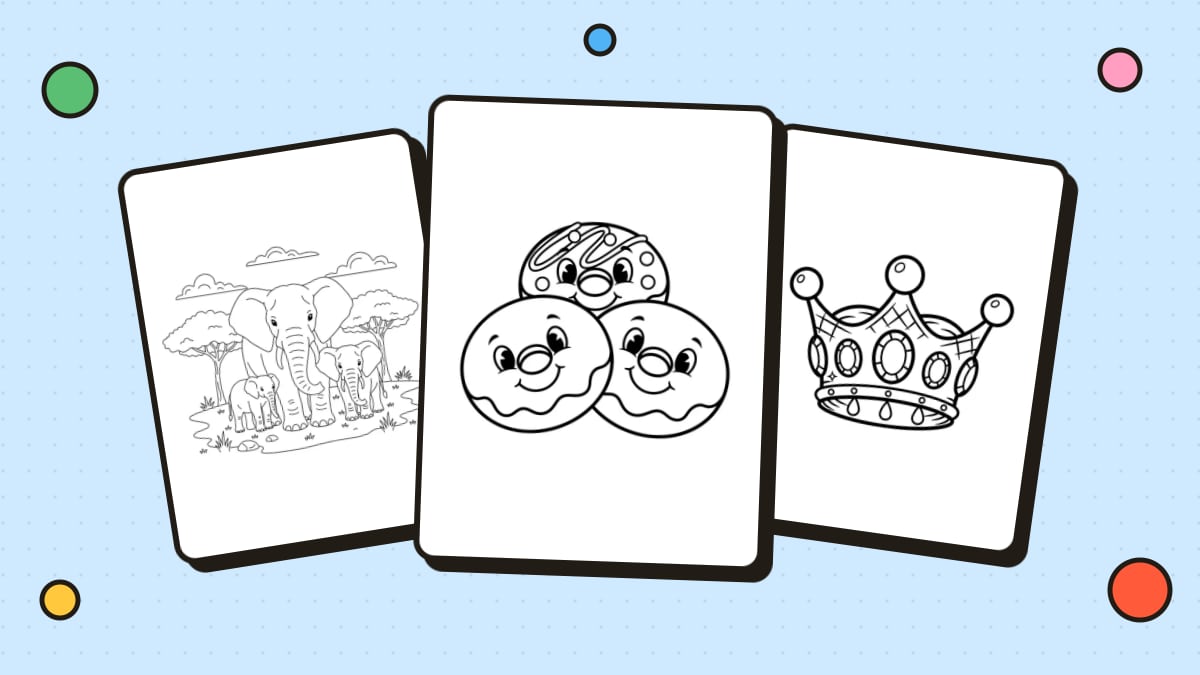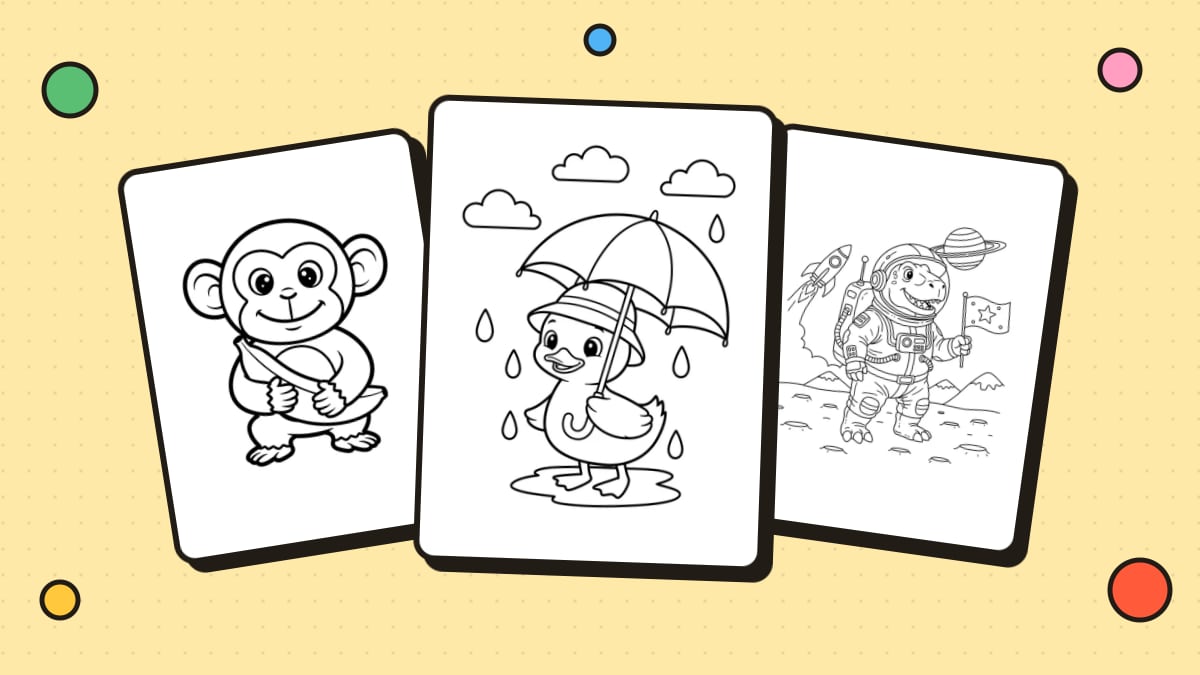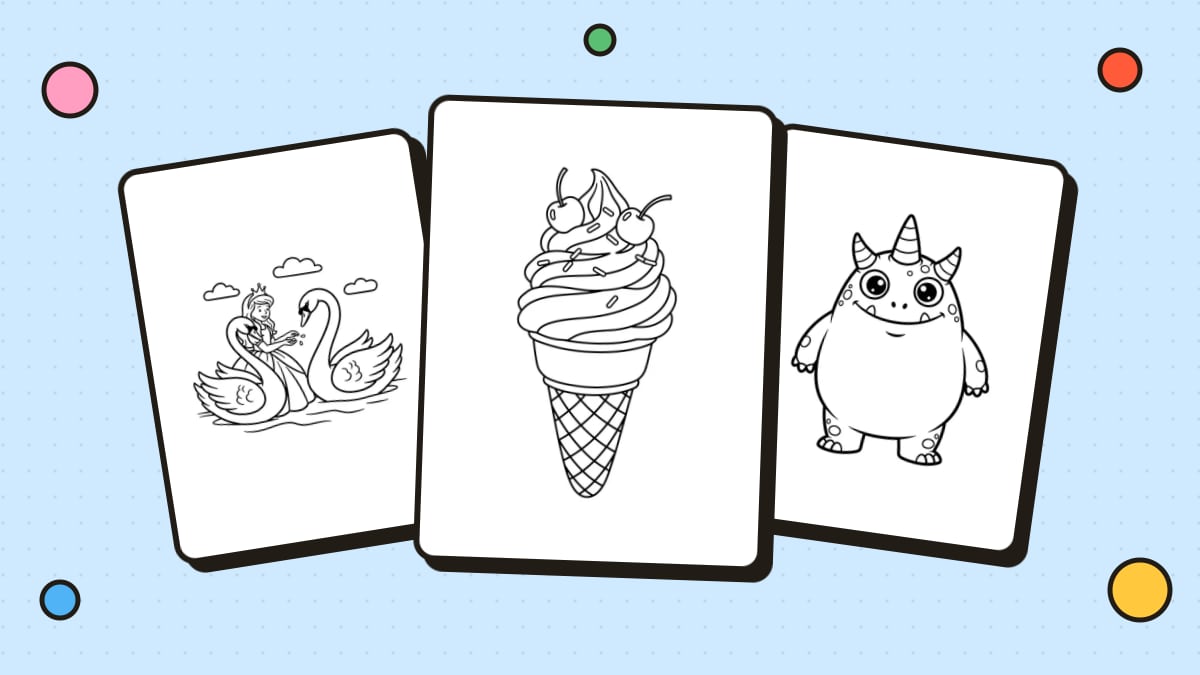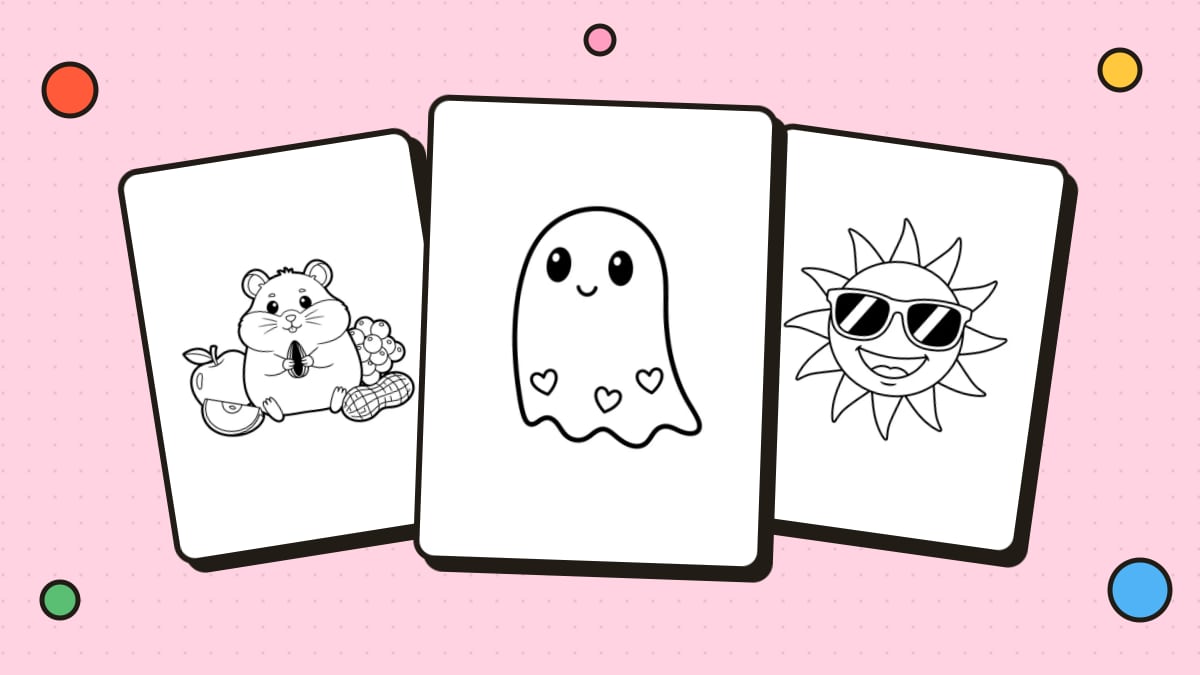
Making your own coloring pages means you can create exactly what your kids (or you) want to color: their favorite animal in a superhero cape, the family dog, or a mandala in your favorite style. You don't need to be an artist. Here are five ways to make coloring pages, from fully handmade to fully automatic.
What makes a great coloring page
Whatever method you use, aim for:
- Bold, closed outlines. Shapes should be fully enclosed so there are clear spaces to fill.
- Black lines on white. No gray shading or color.
- The right level of detail. Big shapes for toddlers, more detail for older kids, intricate patterns for adults.
- Some breathing room. Leave white space around the main subject and margins at the page edges.
Method 1: Draw it by hand
The classic approach, and a great activity with kids.
- Sketch lightly in pencil. Start with simple shapes, such as circles, ovals and rectangles, and build your subject from them.
- Simplify. Remove tiny details and shading. Think "outline," not "drawing."
- Ink the lines with a black marker or felt-tip pen. A thicker pen (around 1 mm or more) works best for young kids.
- Erase the pencil once the ink is dry.
- Scan or photocopy your page to make copies, so the original stays clean.
Tip: if your lines are shaky, draw slowly or trace over your sketch on a light box or bright window.
Method 2: Design it digitally
Drawing apps on a tablet or computer make it easy to correct mistakes and make clean lines.
- Create a canvas sized for printing, such as 8.5 × 11 in (or A4) at 300 DPI.
- Sketch on one layer, then add a new layer for your final lines.
- Use a smooth, solid black brush with a consistent size. Many apps have line stabilization to smooth out wobbles.
- Hide the sketch layer and make sure every shape is closed.
- Export as PNG or PDF.
Method 3: Turn a photo into a coloring page
Perfect for personalized pages of family, pets or places. Upload a photo to Photo to Coloring Page and it converts the picture into clean line art in seconds. You can also do it manually with photo editors or by tracing. Our full guide on how to turn a picture into a coloring page covers every method.
Method 4: Generate one with AI
If you can describe it, you can color it. Type an idea like "a cat astronaut floating past planets" or "a unicorn tea party in a flower garden" into the AI Coloring Page Generator, choose a detail level and download a printable page.
Tips for great AI coloring pages:
- Describe one main subject and a simple setting.
- Mention the age: "for a 4-year-old" gives bolder, simpler lines.
- Add a style: "kawaii," "cartoon," "mandala pattern" or "realistic."
Method 5: Build one from shapes and text
No drawing at all:
- Name pages: type a child's name in a big, bubbly outline font, add stars or hearts around it, and print.
- Pattern pages: in a design tool, repeat simple shapes (circles, triangles, hearts) across a page with black outlines and no fill.
- Geometric mandalas: layer circles and shapes around a center point and duplicate them evenly.
Design tools like Canva work well for this. See our guide on how to make a coloring book on Canva.
Turning your pages into a book
Once you have a few pages, combine them into a PDF, add a cover and bind them with staples, ribbon or a binder. Our step-by-step guide on how to make a coloring book shows you how.
Avoid copyrighted characters
If you're making pages to share publicly or sell, don't draw or trace characters from movies, TV shows or games. They're protected by copyright and trademark. Original designs are always safe and more fun anyway.
FAQ
How do I make my own coloring page for free?
Draw one by hand with a black marker, design one in a free drawing app, or build one from shapes and outline text in a free design tool.
How do I make a coloring page from a picture?
Use a photo-to-coloring-page converter, trace the photo by hand, or use a photo editor's line-art filters. See our guide on turning a picture into a coloring page.
What size should a coloring page be?
US Letter (8.5 × 11 in) or A4, at 300 DPI if you're making it digitally. Leave at least half an inch of margin on all sides.
How thick should coloring page lines be?
For toddlers and preschoolers, use thick, bold lines. For older kids and adults, thinner lines allow more detail. Keep the thickness consistent across the page.